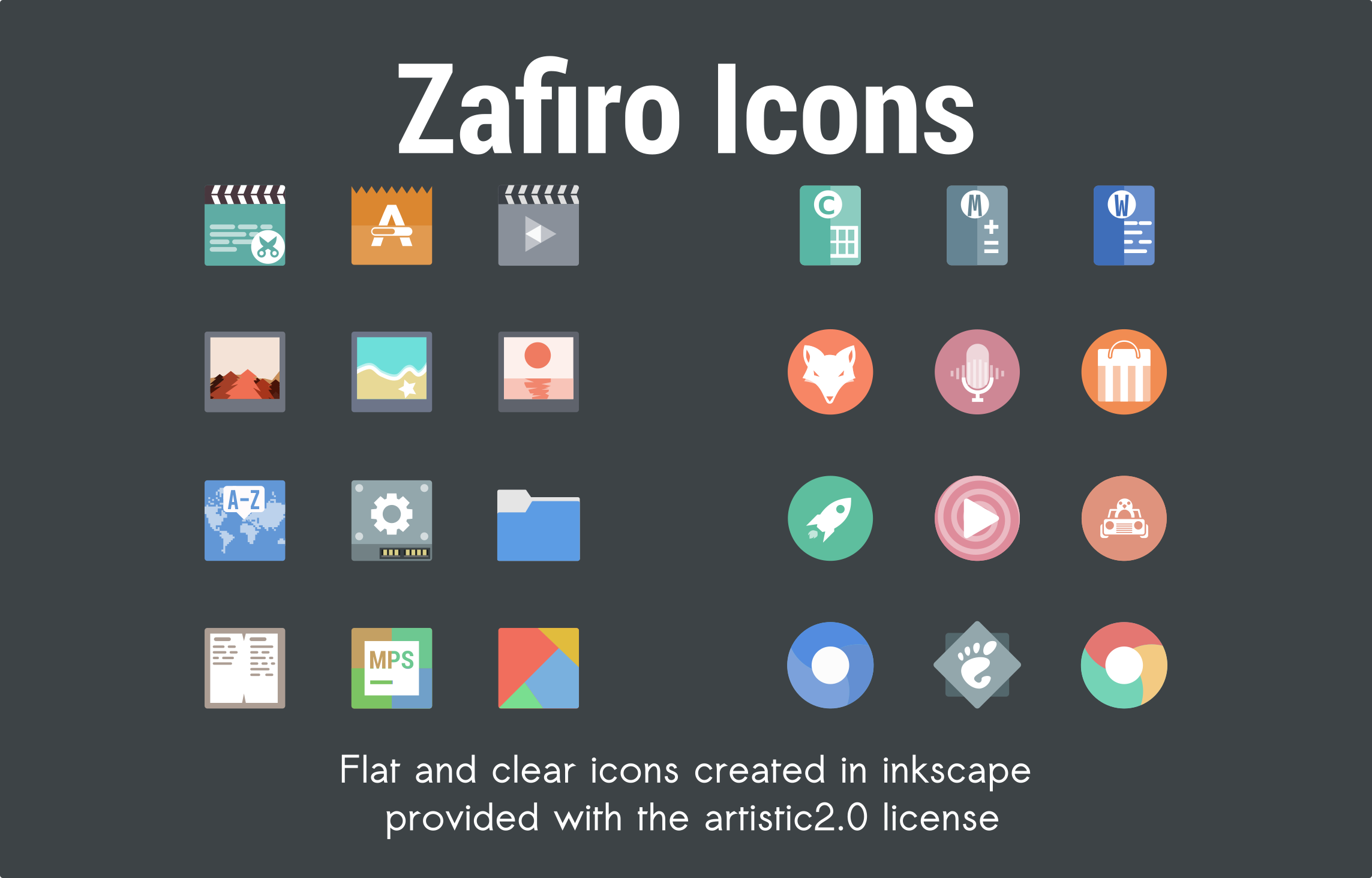
Zafiro icons
Minimalist icons created with the flat-desing technique, utilizing washed out colors and always accompanied by white. The priority is simplicity.
If you find any missing application icons, please report them to me. At the moment I only accept reports of icons of missing applications, I am aware that icons in the other categories are still missing.
Donations
If you like my job and you want to help me, invite me to a cafe. Here is a link so you can donate through PayPal if you wish: donate
Download and testing
download from opendesktop the latest weekly version, or from releases to have the last major update (less constant).
from opendesktop you will have 8 different versions available,


Installing the icons
Move the folder of icons to
~/.local/share/icons(in user mode) or/usr/share/icons(in root mode).The icon theme will be in the Settings for select
Installation with bash script
Requirements
- gzip or unrar
- wget (the vast majority of distros already include it)
paste this command in your terminal for the installation.
wget -N https://raw.githubusercontent.com/zayronxio/Zafiro-icons/master/Install-Zafiro-Icons.sh && chmod +x Install-Zafiro-Icons.sh && bash ./Install-Zafiro-Icons.sh
Preview
Light
