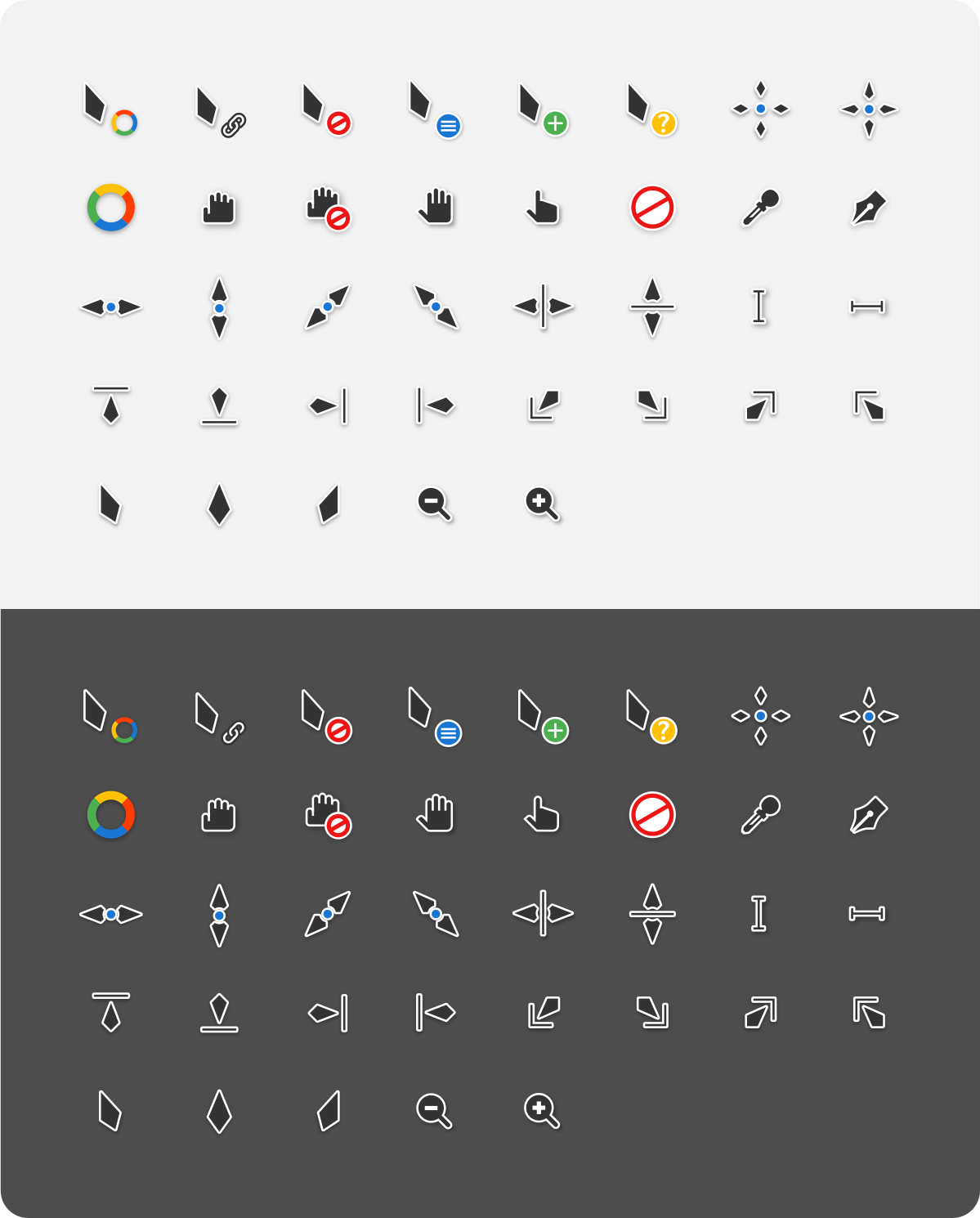
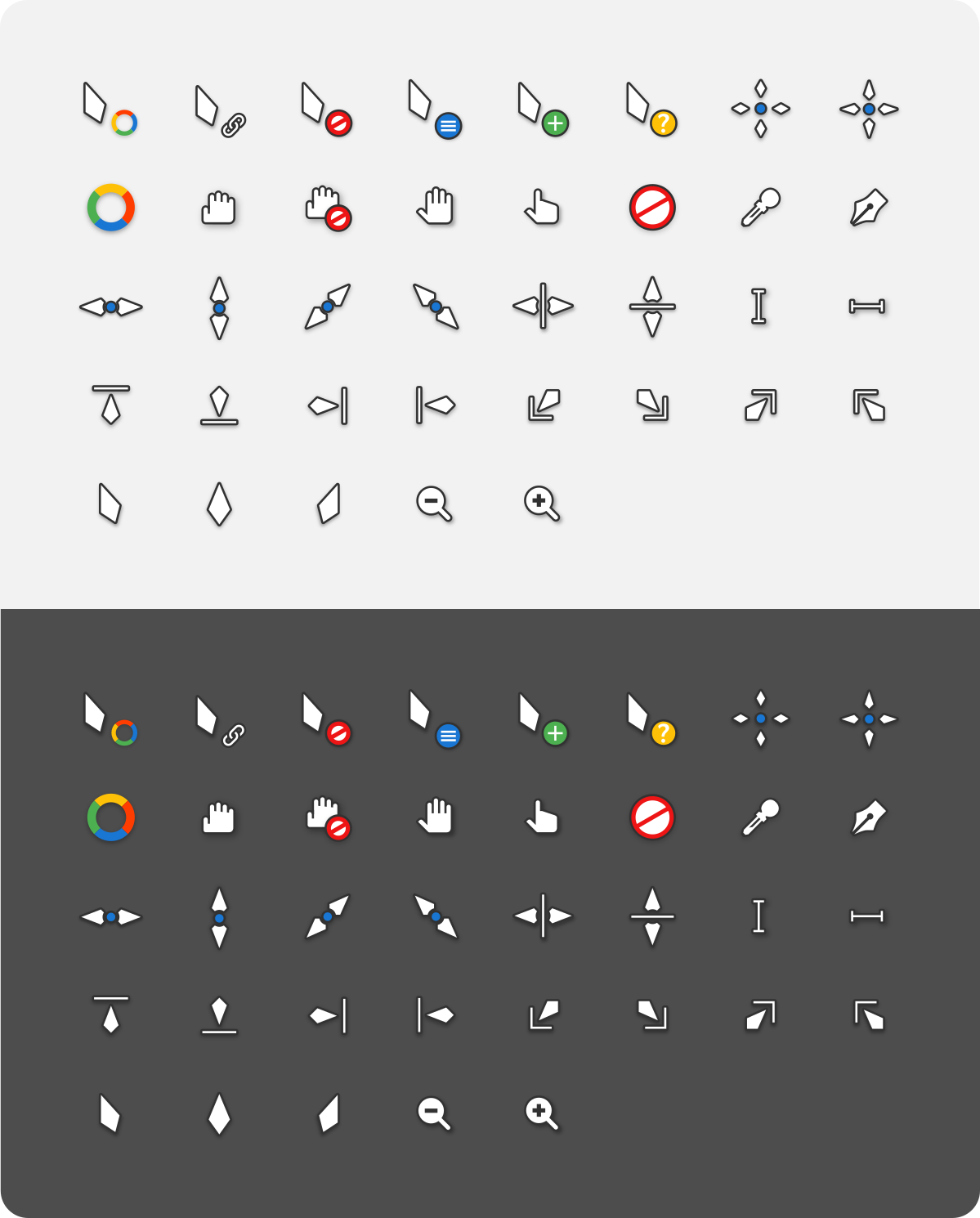
Vimix cursors
This is an x-cursor theme inspired by Materia design and based on capitaine-cursors.
Installation
To install the cursor theme simply copy the compiled theme to your icons directory. For local user installation:
./install.sh
For system-wide installation for all users:
sudo ./install.sh
Then set the theme with your preferred desktop tools.
Windows
The Windows build comes with an INF file to make installation easy.
- Open
.windows/folder in Explorer, and right click oninstall.inf. - Click 'Install' from the context menu, and authorise the modifications to your system.
- Press the
Windows Key and Rat the same time and typemain.cplin the run promt and pressOk. - Go to
Pointersand selectVimix Cursorsunder the Scheme category. - Click 'Apply'.
Building from source
You'll find everything you need to build and modify this cursor set in
the src/ directory. To build the xcursor theme from the SVG source
run:
./build.sh
This will generate the pixmaps and appropriate aliases.
The freshly compiled cursor theme will be located in dist/
Building depends requirement
- xorg-xcursorgen.
- python-cairosvg.
Fedora/RedHat distros:
dnf install xorg-xcursorgen python-cairosvg
Ubuntu/Mint/Debian distros:
sudo apt-get install xorg-xcursorgen python-cairosvg
ArchLinux/Manjaro:
pacman -S xorg-xcursorgen python-cairosvg
Other: Search for the engines in your distributions repository or install the depends from source.
Preview