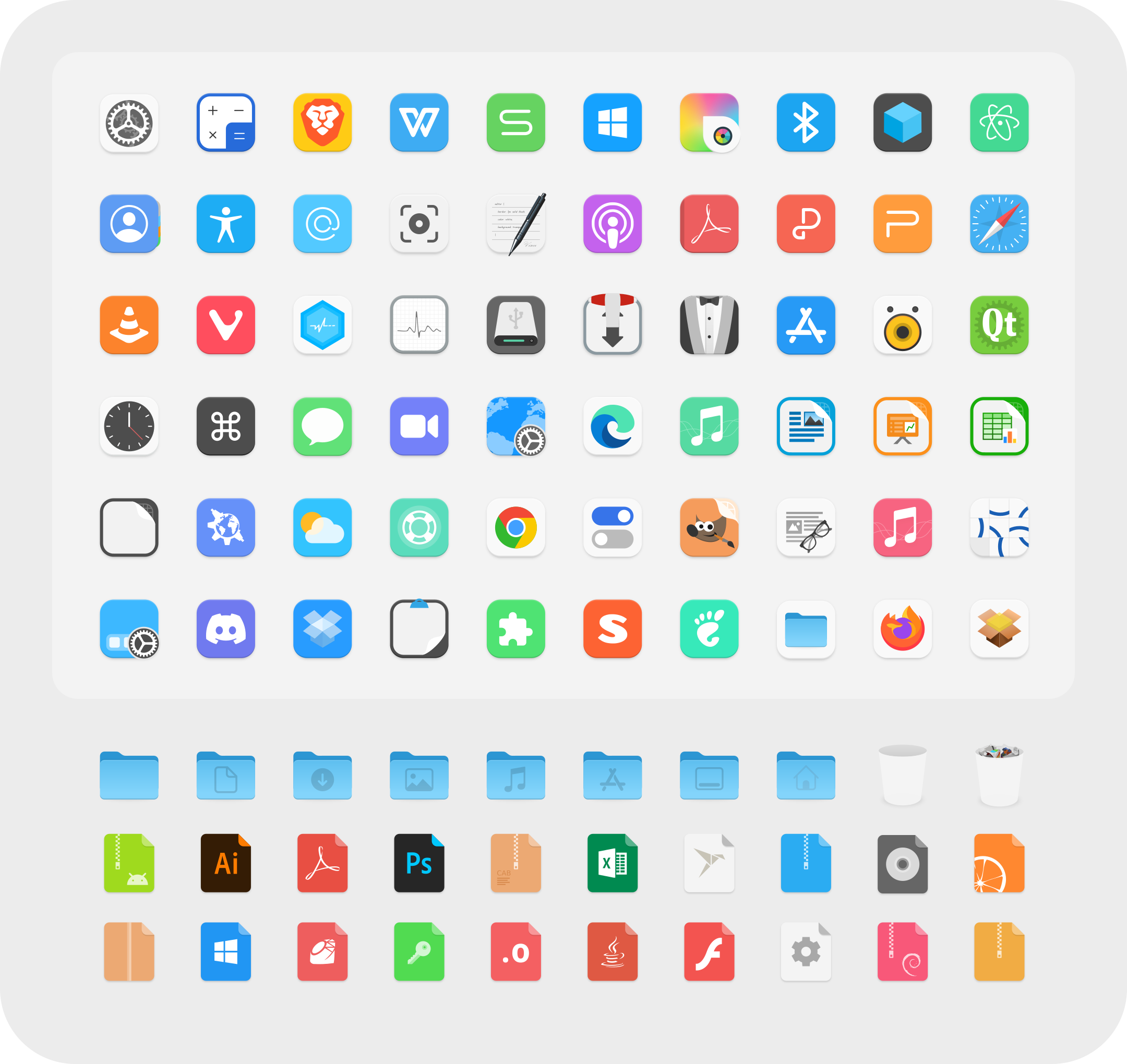
Colloid icon theme
Donate
If you like my project, you can buy me a coffee:

Install tips
Usage: ./install.sh [OPTIONS...]
-d, --dest DIR          Specify destination directory (Default: $HOME/.local/share/icons)
-n, --name NAME         Specify theme name (Default: Colloid)
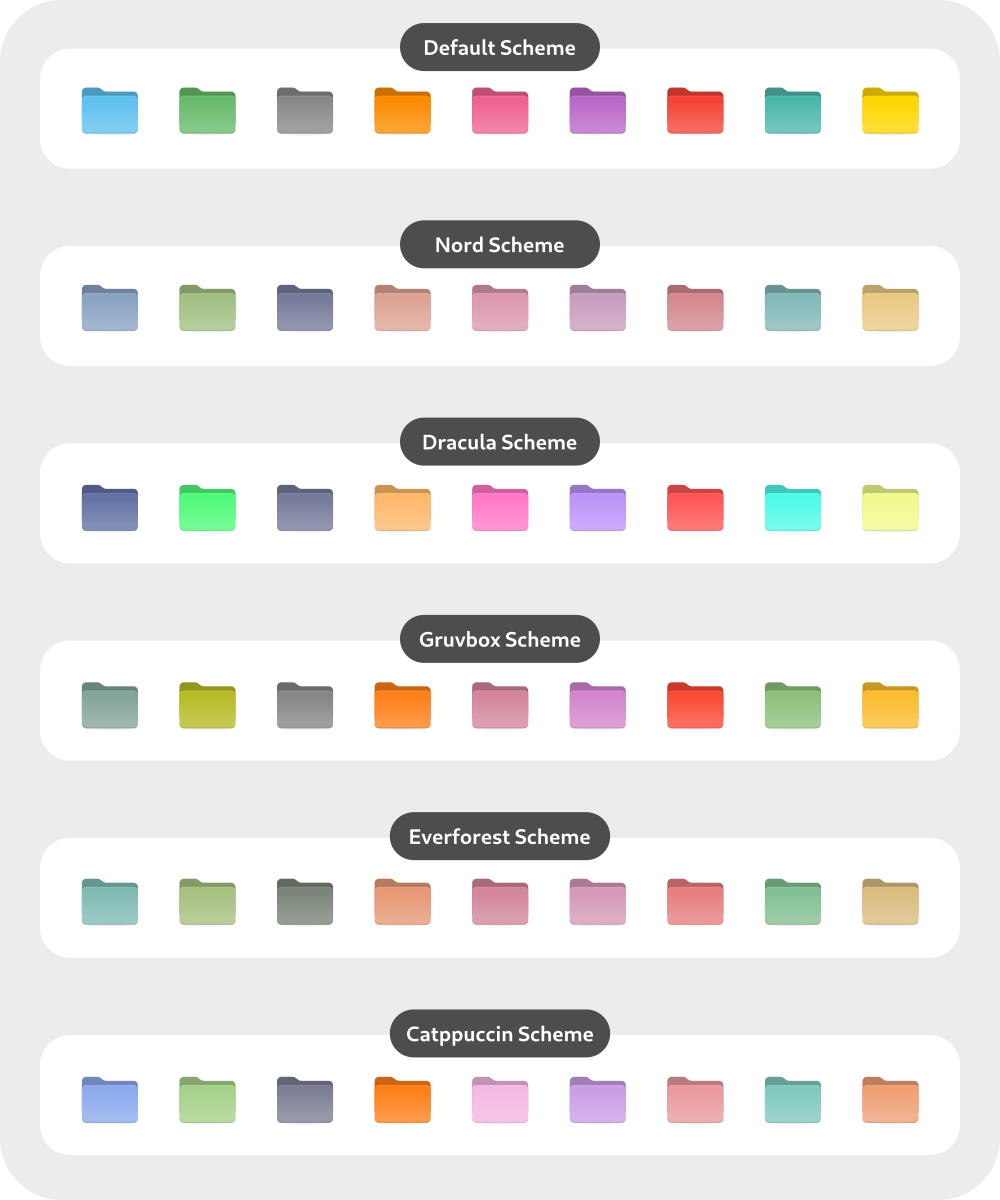
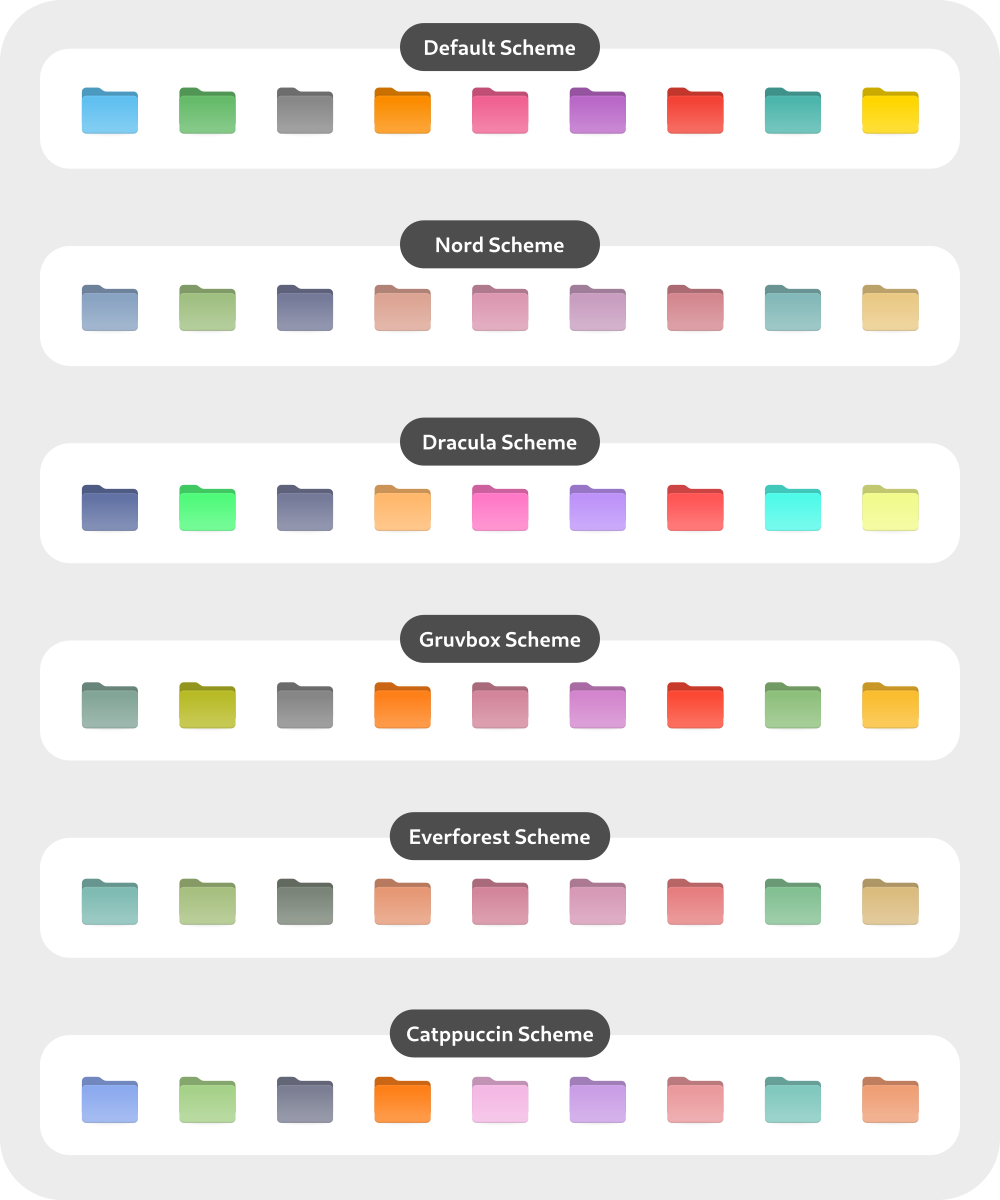
-s, --scheme VARIANTS   Specify folder colorscheme variant(s) [default|nord|dracula|gruvbox|everforest|catppuccin|all]
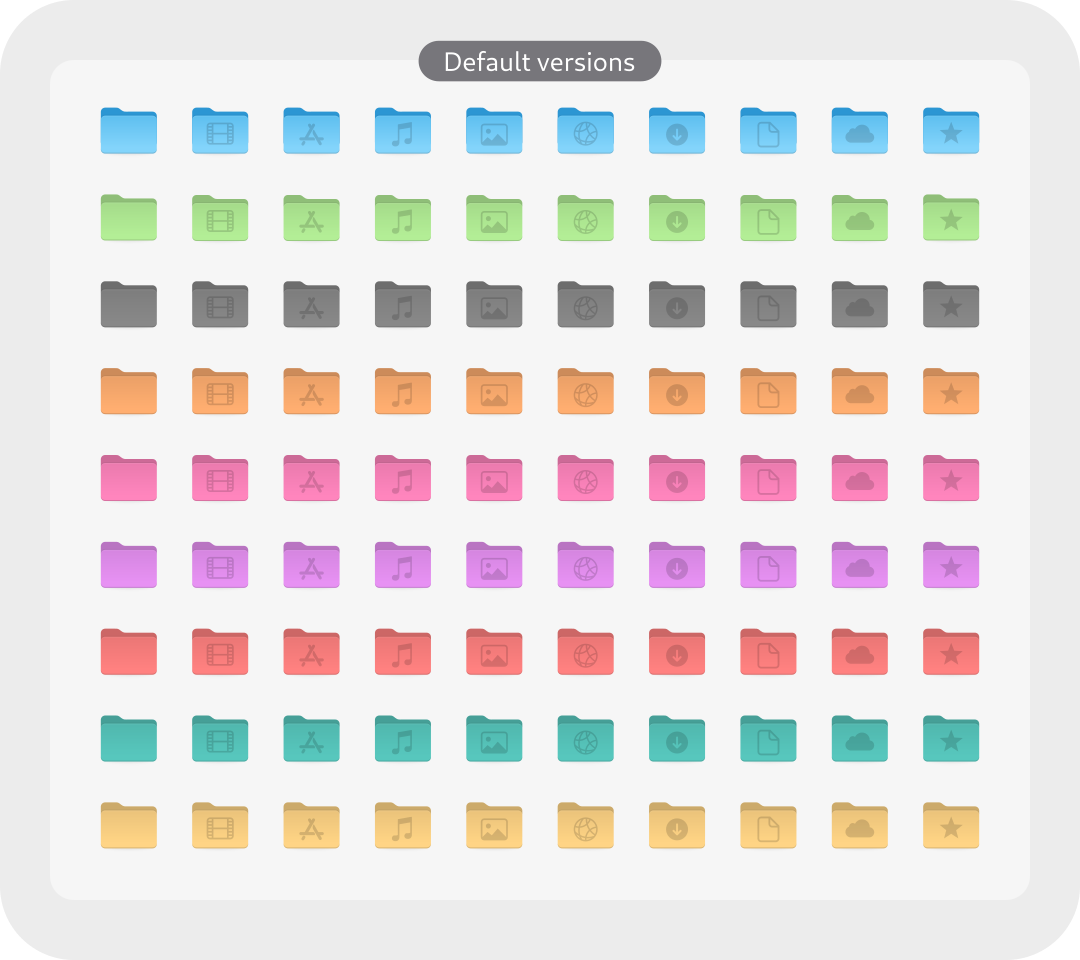
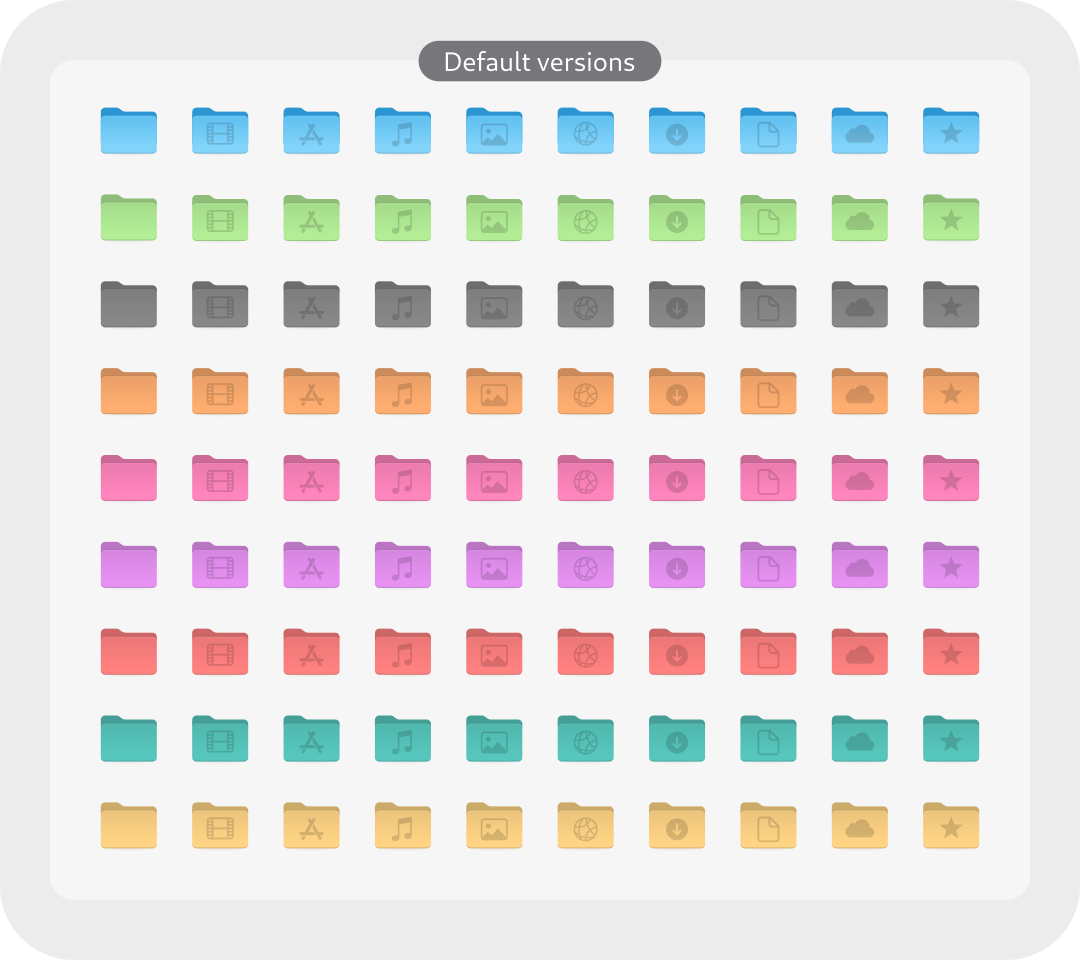
-t, --theme VARIANTS    Specify folder color variant(s) [default|purple|pink|red|orange|yellow|green|teal|grey|all] (Default: blue)
-a, --alternative       Install alternative icons for software center and file-manager
-p, --kde-plasma        Replaces Apple logo with KDE Plasma logo.
-b, --bold              Install bolder panel icons version (1.5px size)
-notint, --notint       Disable Follow ColorSheme for folders on KDE Plasma
-h, --help              Show help
For example: install teal nord version -> run:
./install.sh -s nord -t teal
For more information, run:
./install.sh -h