

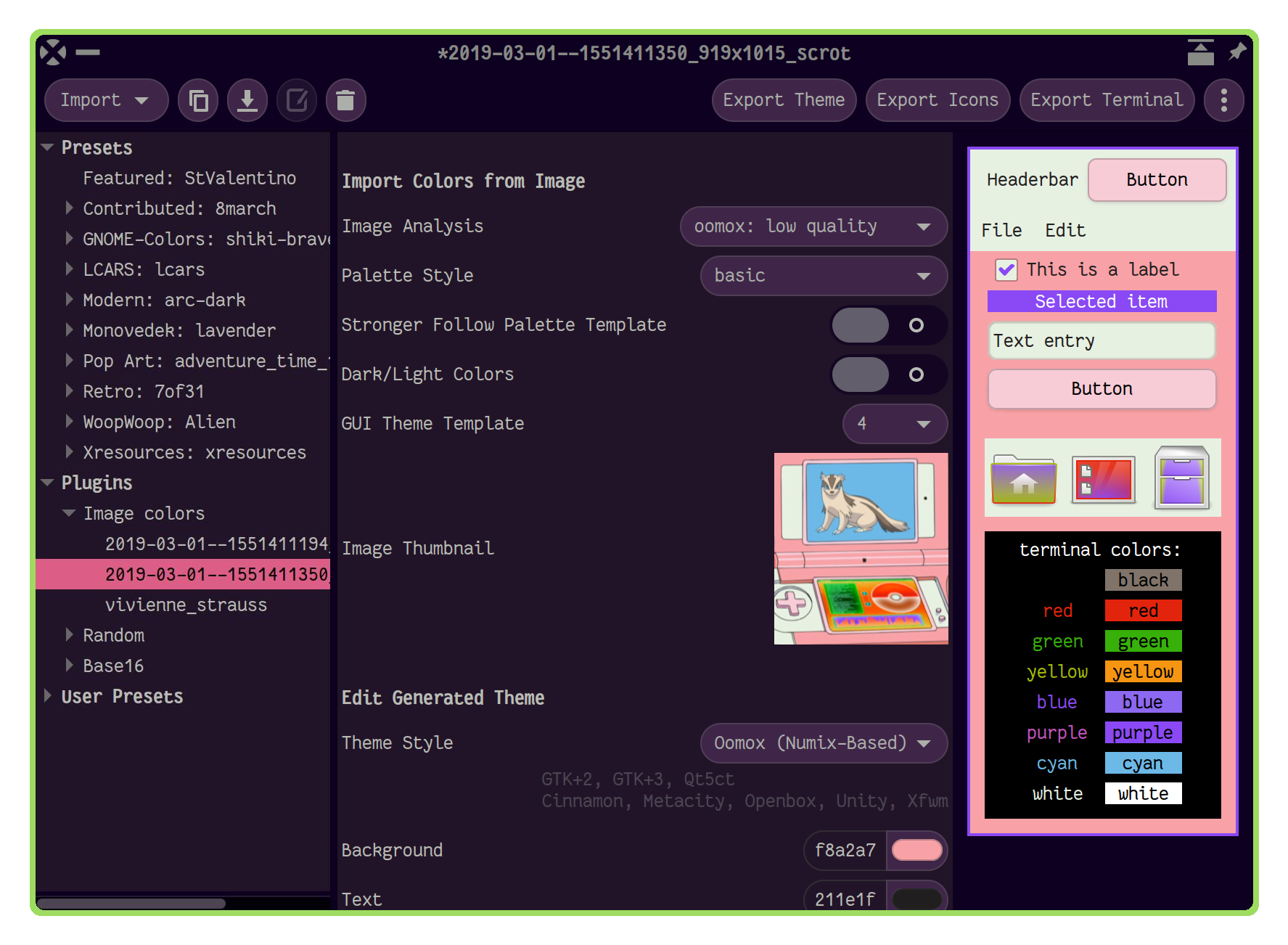
Themix GUI designer
 
Graphical application for designing themes and exporting them using plugins, for example:
- Oomox and Materia themes (GTK2, GTK3, Cinnamon, GNOME, Openbox, Xfwm). Have a hack for HiDPI in gtk2.
- Icons (Archdroid, Gnome-Colors, Numix, Papirus, Suru++ and Suru++ Asprómauros).
- Base16 plugin, which also allows a lot of app themes support like Alacritty, Emacs, GTK4, KDE, Qt5ct, Qt6ct, VIM and many more.
Import plugins also available, such as:
- generating color palettes from image;
- importing it from Xresources;
- or huge collection of Base16 themes.



Table of contents:
- Installing with package manager
- Installing manually
- CLI
- Using with tiling WMs and other GTK3 CSS hacks
- Wiki
- Review videos/Usage instructions
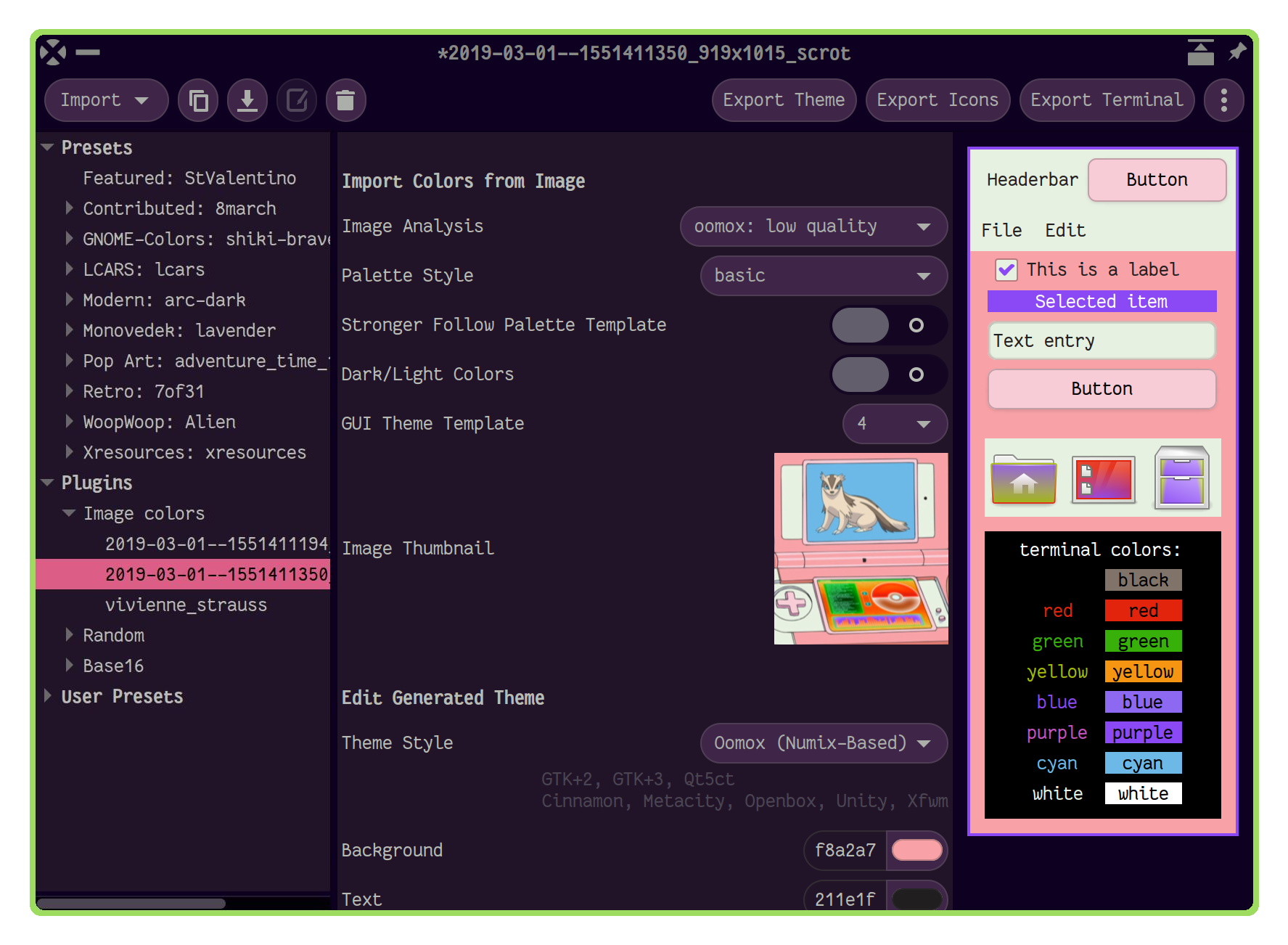
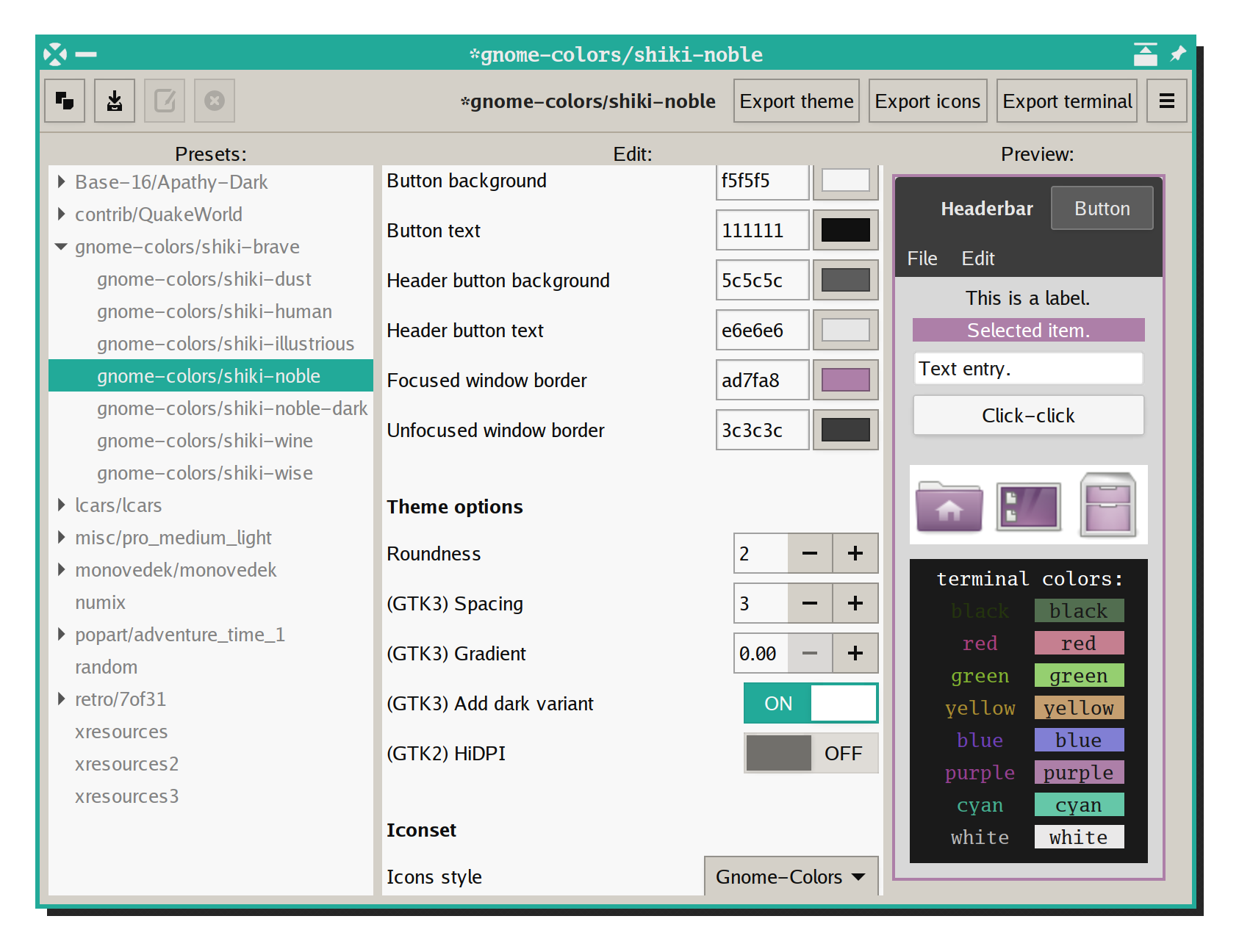
Big screenshot with number of generated themes 🔗
Latest Oomox GTK theme screenshots 🔗
Installation
Arch Linux
Install
pikaur -S themix-full-git
AUR helpers are not officially supported by Arch Linux, so you can also install it manually from rolling-release PKGBUILD.
Open the GUI
themix-gui
Debian, Ubuntu, Linux Mint
deb-based releases are currently abandoned, this way works for installing older versions of Themix
see also: https://github.com/themix-project/oomox/issues/144
Old instructions for Deb-like distros
Other distributions
Install it manually or use that information for creating a package for your distro
Other Help Resources
Using with tiling WMs and other GTK3 CSS hacks
Wiki
https://github.com/themix-project/themix-gui/wiki
Direct file editing:
git clone git@github.com:themix-project/themix-gui.wiki.git
Review articles and videos
To learn more about using the application you can check these sources:
- 2019, Customizing icon themes animated tutorial
- 2019, How to contribute your theme from Github website
- 2019, How to import and export Base16 themes in Themix/Oomox
- 2018, https://www.youtube.com/watch?v=XO9QA1njIOM by AddictiveTips
- https://delightlylinux.wordpress.com/2016/08/22/customize-theme-colors-with-oomox/
- 2016, https://www.youtube.com/watch?v=Dh5TuIYQ6jo by Spatry
- http://www.webupd8.org/2016/05/easily-create-your-own-numix-based-gtk.html
- http://www.webupd8.org/2016/06/tool-to-customize-numix-theme-colors.html