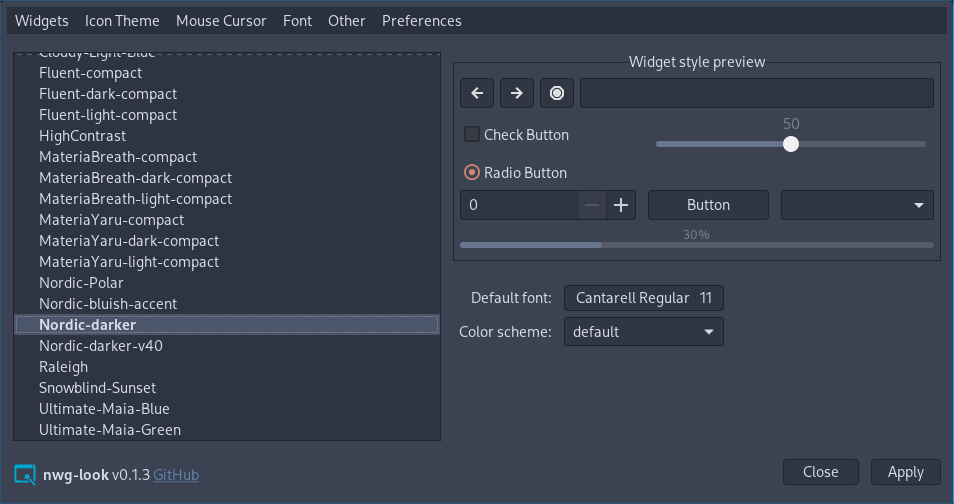
nwg-look
This application is a part of the nwg-shell project.
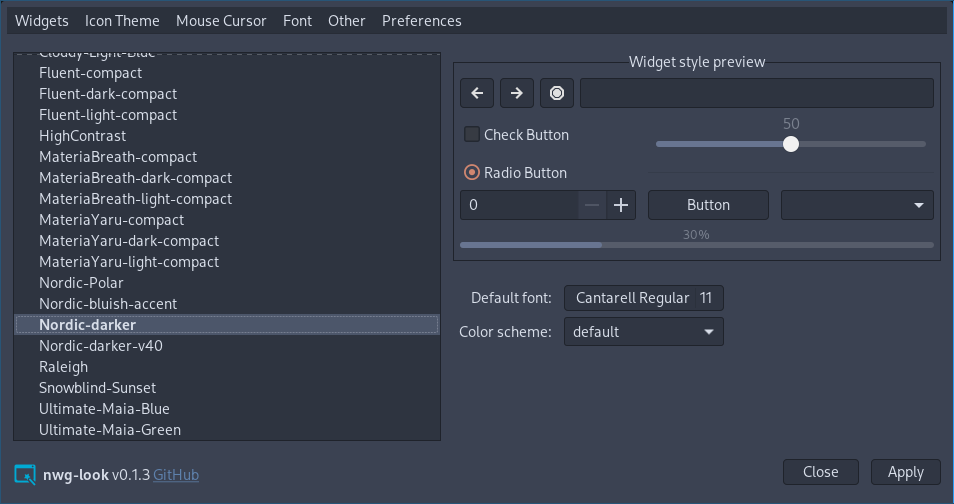
Nwg-look is a GTK settings editor, designed to work properly in wlroots-based Wayland environment. The look and feel is strongly influenced by LXAppearance, but nwg-look is intended to free the user from a few inconveniences:
- It works natively on Wayland. You no longer need Xwayland, nor strange env variables for it to run.
- It applies gsettings directly, with no need to use
workarounds. You don't need to set
gsettings in the sway config file. You don't need the
import-gsettingsscript.
Dependencies
- go (build dependency)
- gtk3
- xcur2png
- gsettings
- canberra-gtk-play
A GTK module, such as canberra-gtk-module, may need to be loaded for sounds to be played across applications.
Depending on your distro, you may also need to install gotk3 dependencies.
Installation

If nwg-look has not yet been packaged for your Linux distribution:
- Clone the repository, cd into it.
make buildsudo make install
Usage
$ nwg-look -h
Usage of nwg-look:
  -a	Apply stored gsetting and quit
  -d	turn on Debug messages
  -r	Restore default values and quit
  -v	display Version information
  -x	eXport config files and quit
The -a flag has been added just in case. When you press the "Apply" button, in addition to applying the changes, a backup file is also created. You may apply gsetting again w/o running the GUI, by just nwg-look -a. No idea if it's going to be useful in real life. ;)
Usage in sway
The default way to apply GTK setting on sway Wayland compositor has been
described in the GTK 3 settings on Wayland
Wiki section. You no longer need it. Nwg-look loads and saves gsettings values directly, and does not
care about the ~/.config/gtk-3.0/settings.ini file. It only exports your settings to it, unless you use
the -n flag.
Therefore, if your sway config file contains either
set $gnome-schema org.gnome.desktop.interface

exec_always {
    gsettings set $gnome-schema gtk-theme 'Your theme'
    gsettings set $gnome-schema icon-theme 'Your icon theme'
    gsettings set $gnome-schema cursor-theme 'Your cursor Theme'
    gsettings set $gnome-schema font-name 'Your font name'
}
or if you use the import-gsettings script:
exec_always import-gsettings
to parse and apply the settings.ini file, remove these lines.
Backward compatibility
Some gsetting keys have no direct counterparts in the Gtk.Settings type. While exporting the settings.ini file, nwg-look uses the most similar values:
| gsettings | Gtk.Settings |
|---|---|
font-hinting |
gtk-xft-hintstyle |
font-antialiasing |
gtk-xft-antialias |
font-rgba-order |
gtk-xft-rgba |
Some Other settings have been left just for LXAppearance compatibility, and possible use of your settings.ini file elsewhere:
- Toolbar style
- Toolbar icon size
have been deprecated since GTK 3.10, and the values are ignored.
- Show button images
- Show menu images
have been deprecated since GTK 3.10, and have no corresponding gsettings values.