01. Overview & Architecture

Profile: v1.0
Purpose
Vivid gradient icon theme, a match for neon setups.
Compatibility
Any distro (Server: BOTH)
Desktop Part
Icon themes
Window Manager & Theme
Any WM / DE / Cyberpunk
Full Description
Vivid gradient icon theme, a match for neon setups.

02. Installation & Deployment

Method: Verified Command

Step-by-step deployment protocol

Step-by-step deployment
1Install candy-icons-git (AUR)
$yay -S candy-icons-git # AUR
$# Other distros: see the upstream README

03. Screenshot Gallery // Candy Icons

Capture 01 // Fullscreen
Candy Icons screenshot 1
01 / 07

04. Documentation & Guide

Source: EliverLara/candy-iconsRef: 8d21022f3b
README.md|GitHub Flavored Markdown

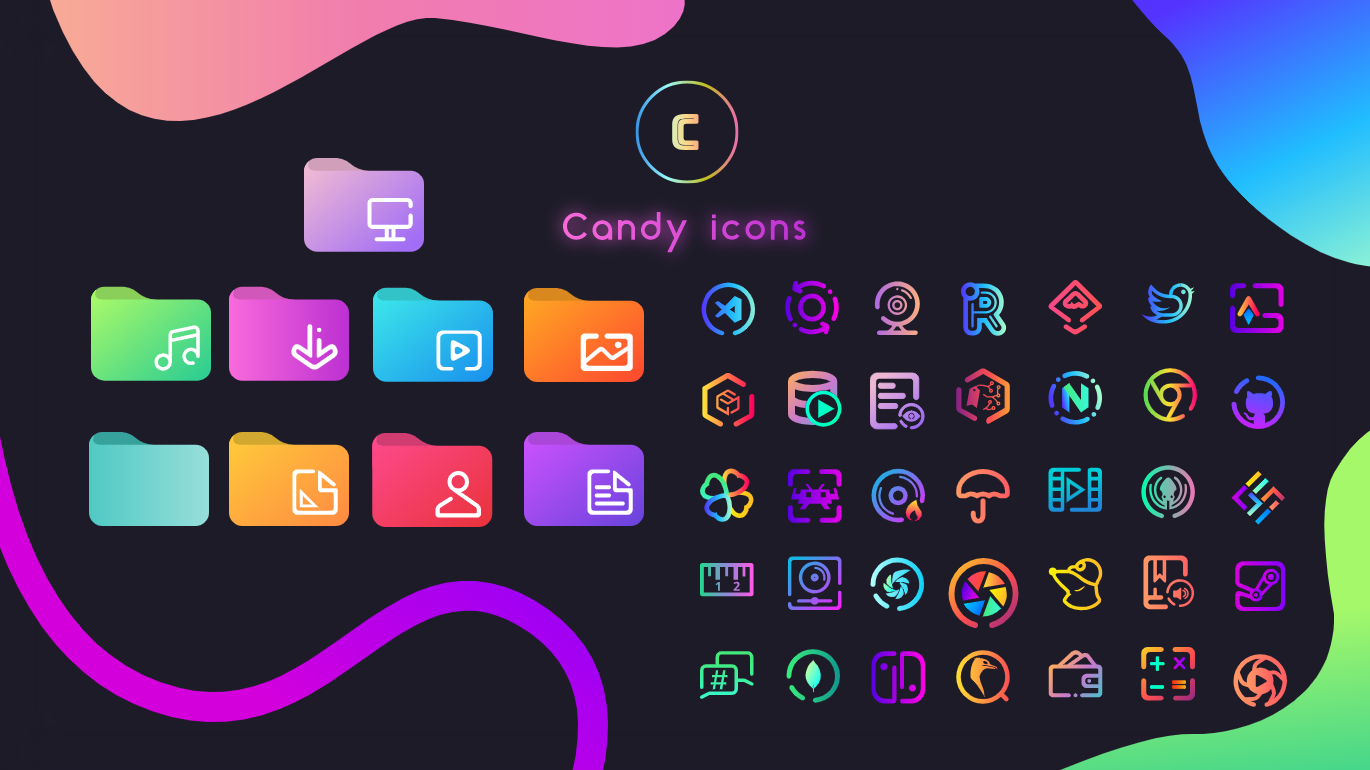
An icon theme colored with sweet gradients

Installation

  • Download the .zip file (directly from github or from gnome-look)

  • Extract the .zip file to the icons directory i.e. /usr/share/icons/, ~/.local/share/.icons/ or ~/.icons/ (create it if necessary).

Usage

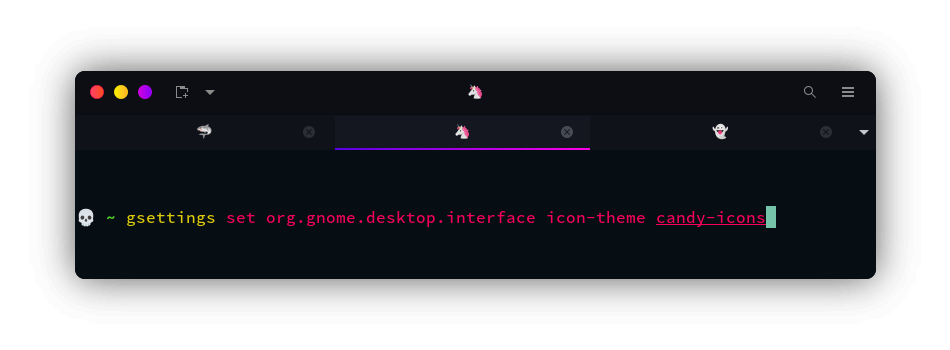
To set the theme in Gnome, run the following commands in Terminal:
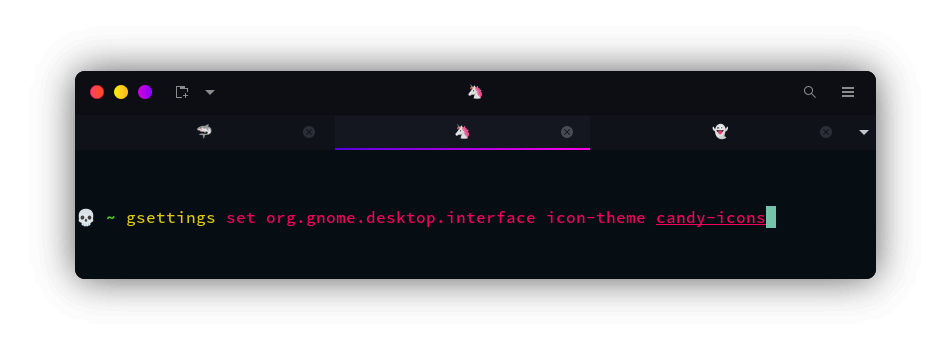
or Change via distribution specific tweak-tool.

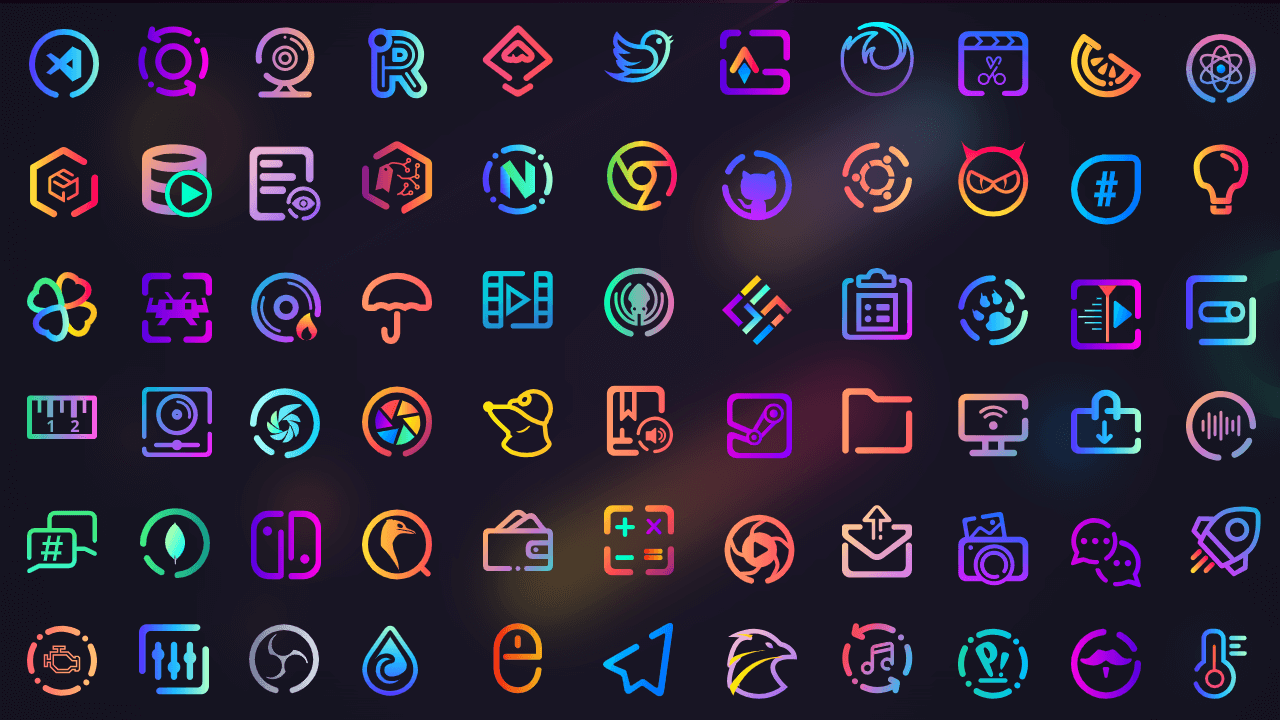
Previews
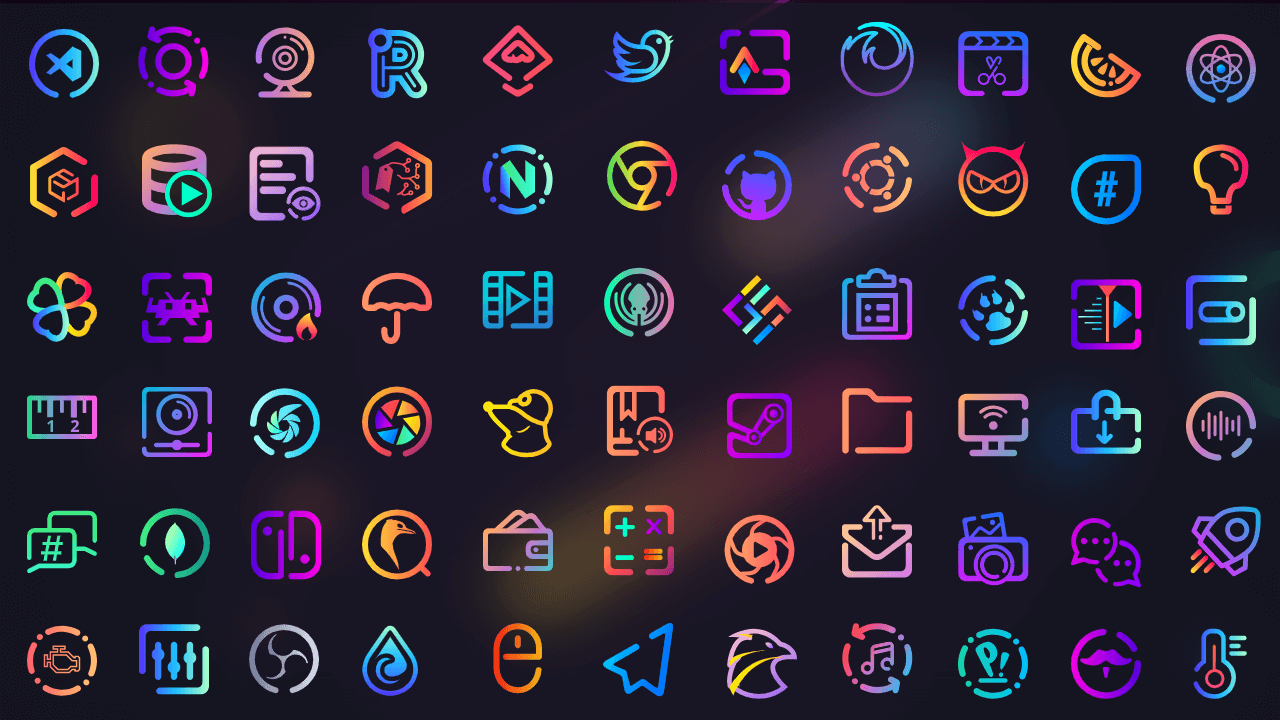
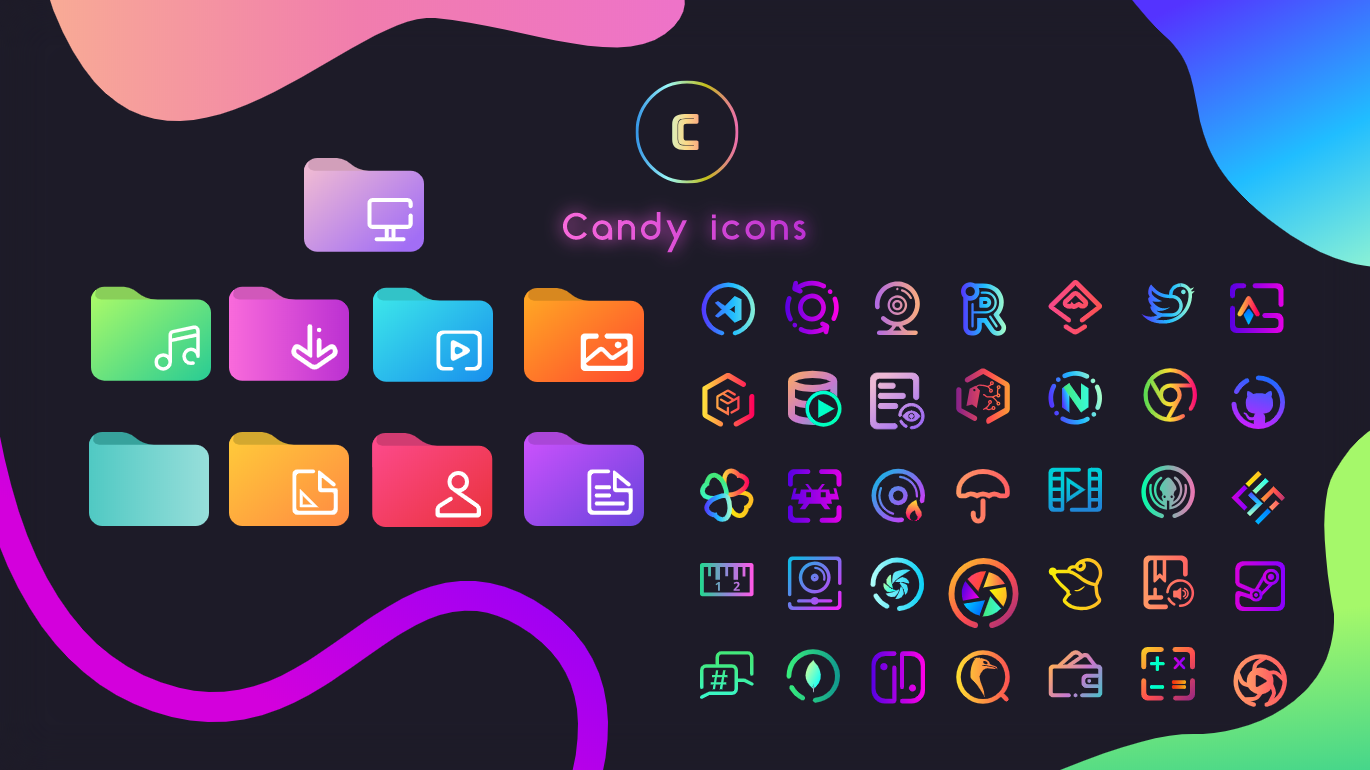
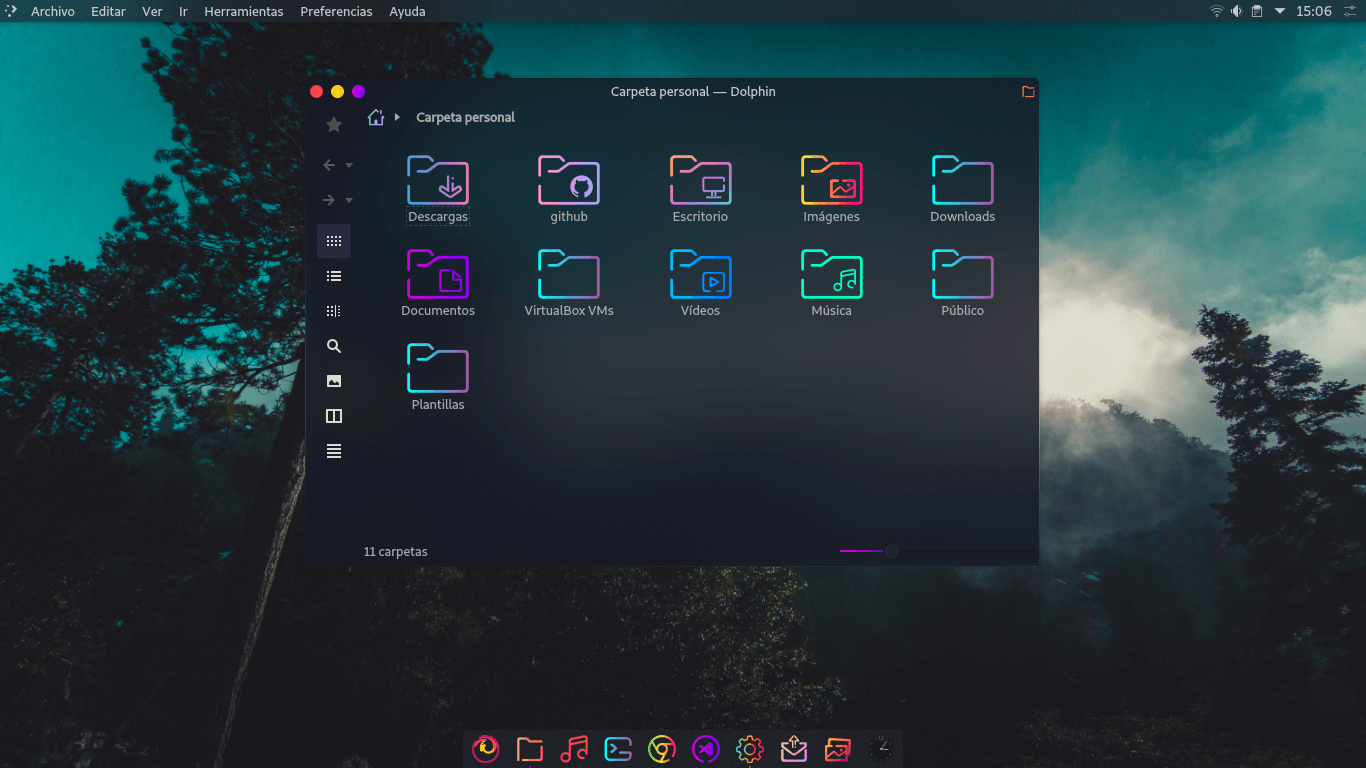
You can also combine this icon pack with sweet-folders to get an awesome custom experience:
GitHub Flavored Markdown (github-markdown-css)● Live Repo Synced