01. Overview & Architecture

Profile: v2.0.0
Purpose
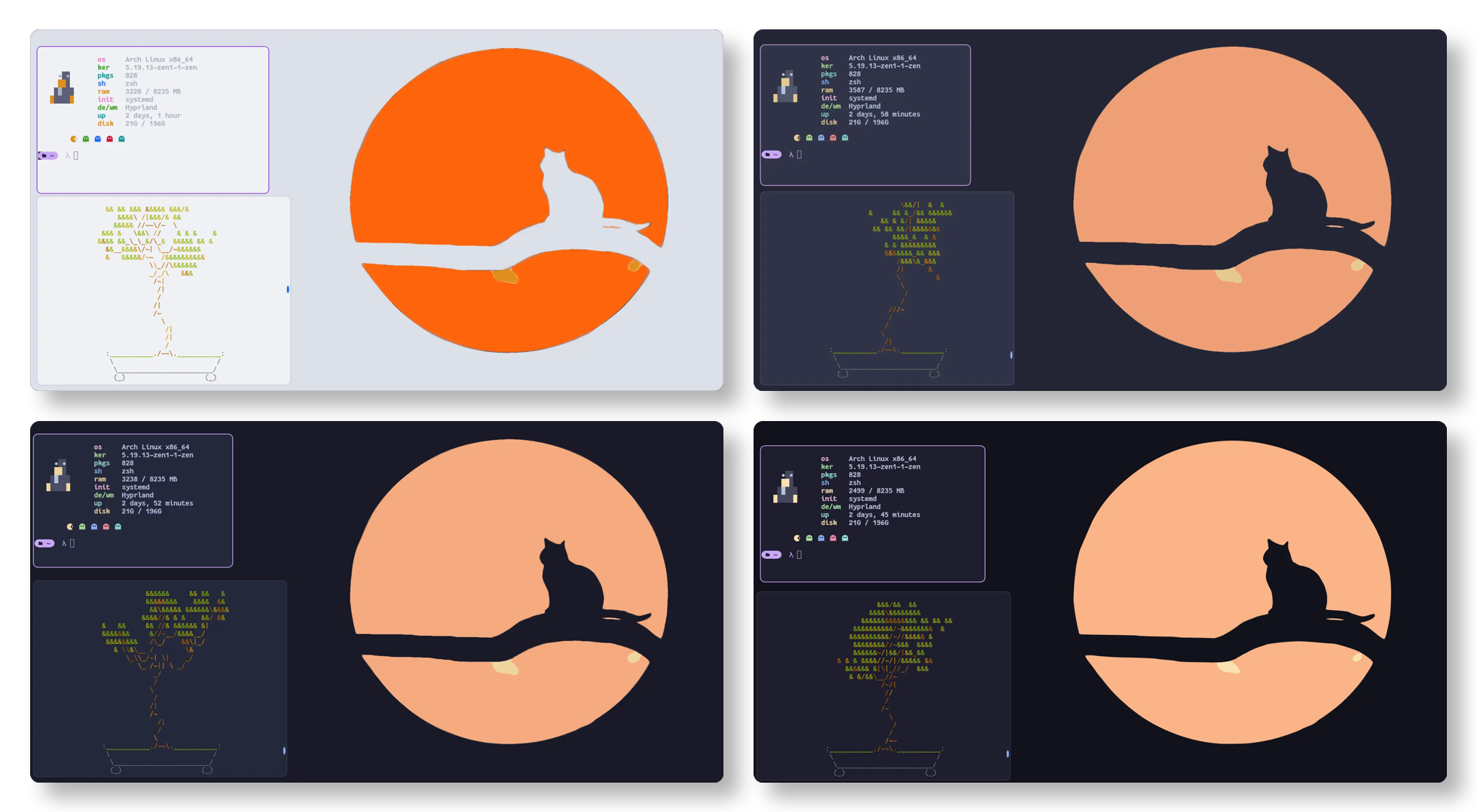
Soothing pastel color themes (Mocha, Macchiato, Frappe, Latte) for Hyprland.
Compatibility
Arch Linux, NixOS, Fedora, Void Linux (Server: WAYLAND)
Window Manager & Theme
Hyprland / Catppuccin Mocha Pastel
Key Components
Bar: Waybar Catppuccin•Terminal: Kitty Catppuccin•Launcher: Rofi Catppuccin•Notifications: Dunst Mocha•Editor: Neovim
Full Description
The official Catppuccin color palette ported to Hyprland. Includes pre-configured color border variables, active window gradient rings, drop shadows, and matching styling across four pastel flavor tiers.
Architecture & Technical Design

The official Catppuccin color palette ported to Hyprland. Includes pre-configured color border variables, active window gradient rings, drop shadows, and matching styling across four pastel flavor tiers.

02. Installation & Deployment

Method: Verified Command

Step-by-step deployment protocol

Step-by-step deployment
1Clone Catppuccin Hyprland repository
$git clone https://github.com/catppuccin/hyprland.git ~/.config/hypr/catppuccin
2Source theme in hyprland.conf
$echo "source = ~/.config/hypr/catppuccin/themes/mocha.conf" >> ~/.config/hypr/hyprland.conf
3Live reload Hyprland theme
$hyprctl reload

03. Screenshot Gallery // Catppuccin Hyprland

Capture 01 // Fullscreen
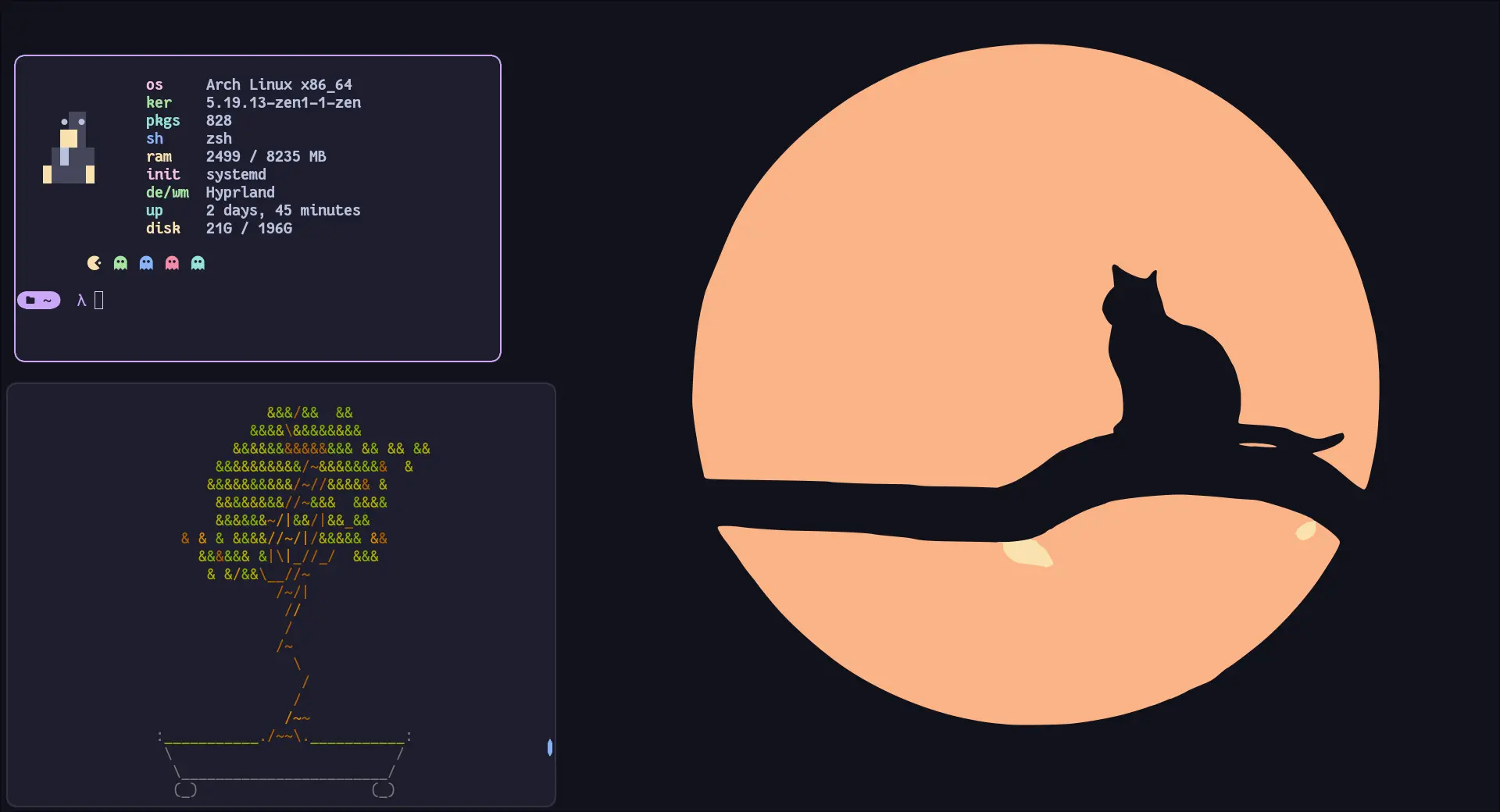
Catppuccin Mocha theme preview for Hyprland
01 / 08

04. Documentation & Guide

Source: catppuccin/hyprlandRef: 9f03f26fc1
README.md|GitHub Flavored Markdown

Logo
Catppuccin for Hyprland

Previews

🌻 Latte
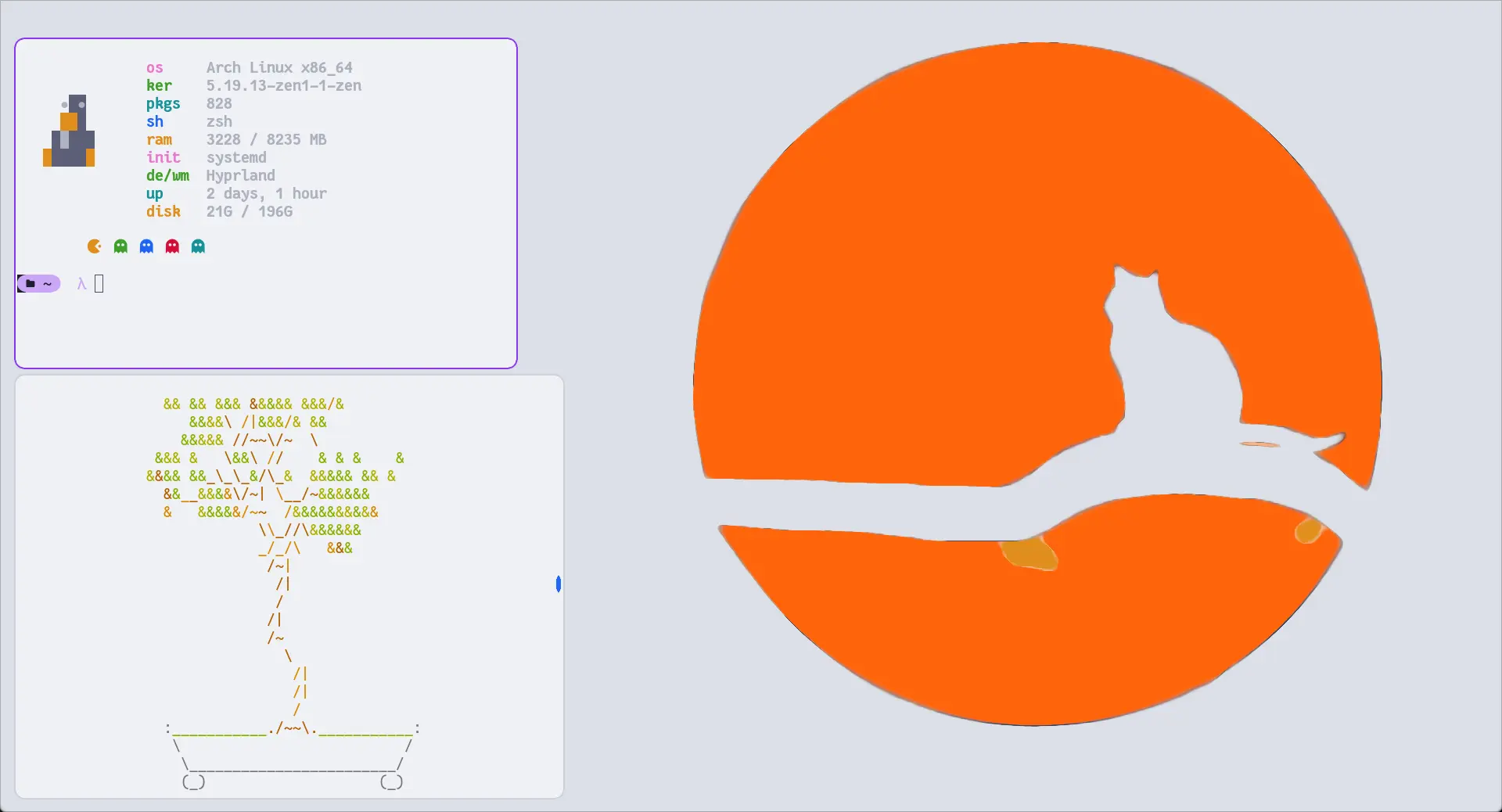
🪴 Frappé
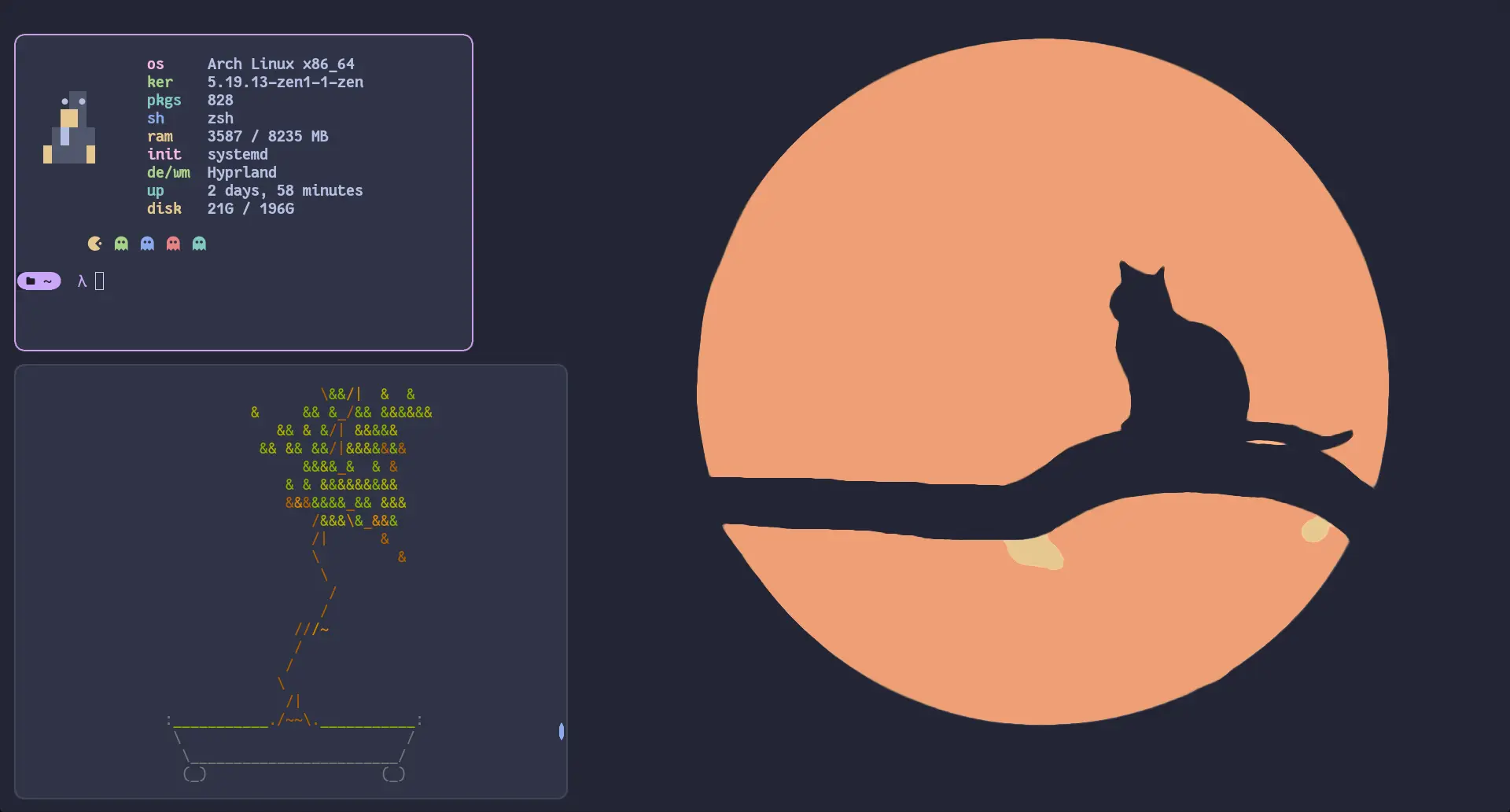
🌺 Macchiato
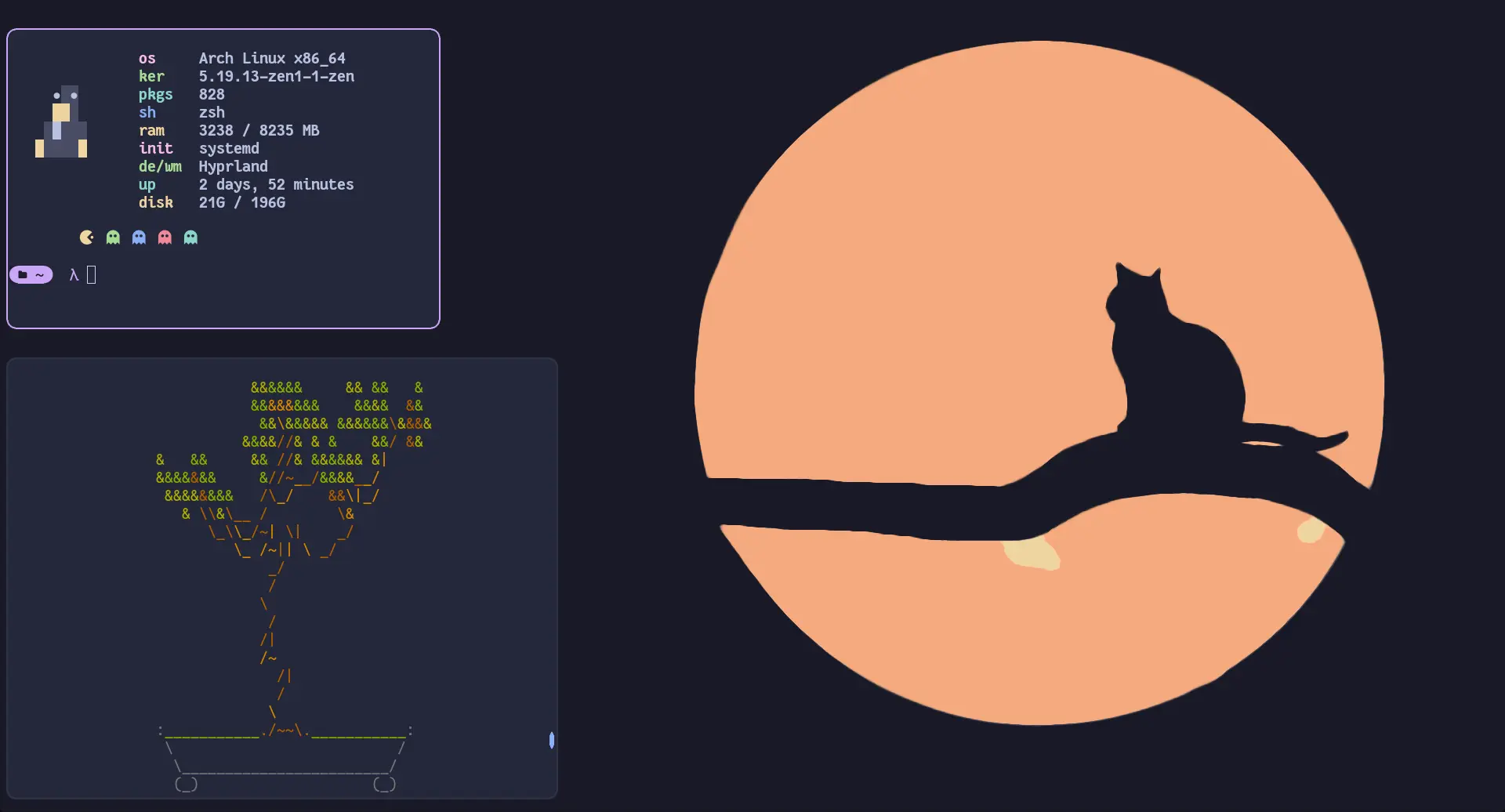
🌿 Mocha
Usage

Important

Since Hyprland 0.55, Hyprland configuration is done in Lua. For the legacy .conf format, please visit and follow the instructions on the v1.3 tag.

  1. Download the theme for your desired flavour, e.g. catppuccin-mocha.lua (from the release or from themes/lua/ after cloning)
  2. Copy it into your Hyprland config, e.g. ~/.config/hypr/themes/catppuccin-mocha.lua
  3. Load it from your hyprland.lua
local colors = require('themes.catppuccin-mocha')
  1. Use colors
-- Non-alpha values are already in Hyprland's rgb(...) format.
local base = colors.base

-- Alpha values are hex without transparency; append the alpha, eg. `ee` and wrap in rgba(...).
local surface0_ee = rgba(colors.surface0Alpha .. 'ee')

🙋 FAQ

  • Q: "Hyprland doesn't work with the colors"
    A: Make sure you are loading the correct theme file for your Hyprland version (.lua for >= 0.55) and referencing the values correctly (e.g. colors.base).

💝 Thanks to


Copyright © 2021-present Catppuccin Org

GitHub Flavored Markdown (github-markdown-css)● Live Repo Synced

05. Keyboard Shortcuts

Total: 2 shortcuts
SUPER + QShortcut
exec, kitty
Open Kitty terminal
SUPER + CShortcut
killactive
Close window